

The tools an indie band actually needs
A job-by-job guide to building a band's toolkit - what you genuinely need, what you can skip, where the gaps are, and how to avoid paying five subscriptions to solve one problem badly.
By @KHeavy
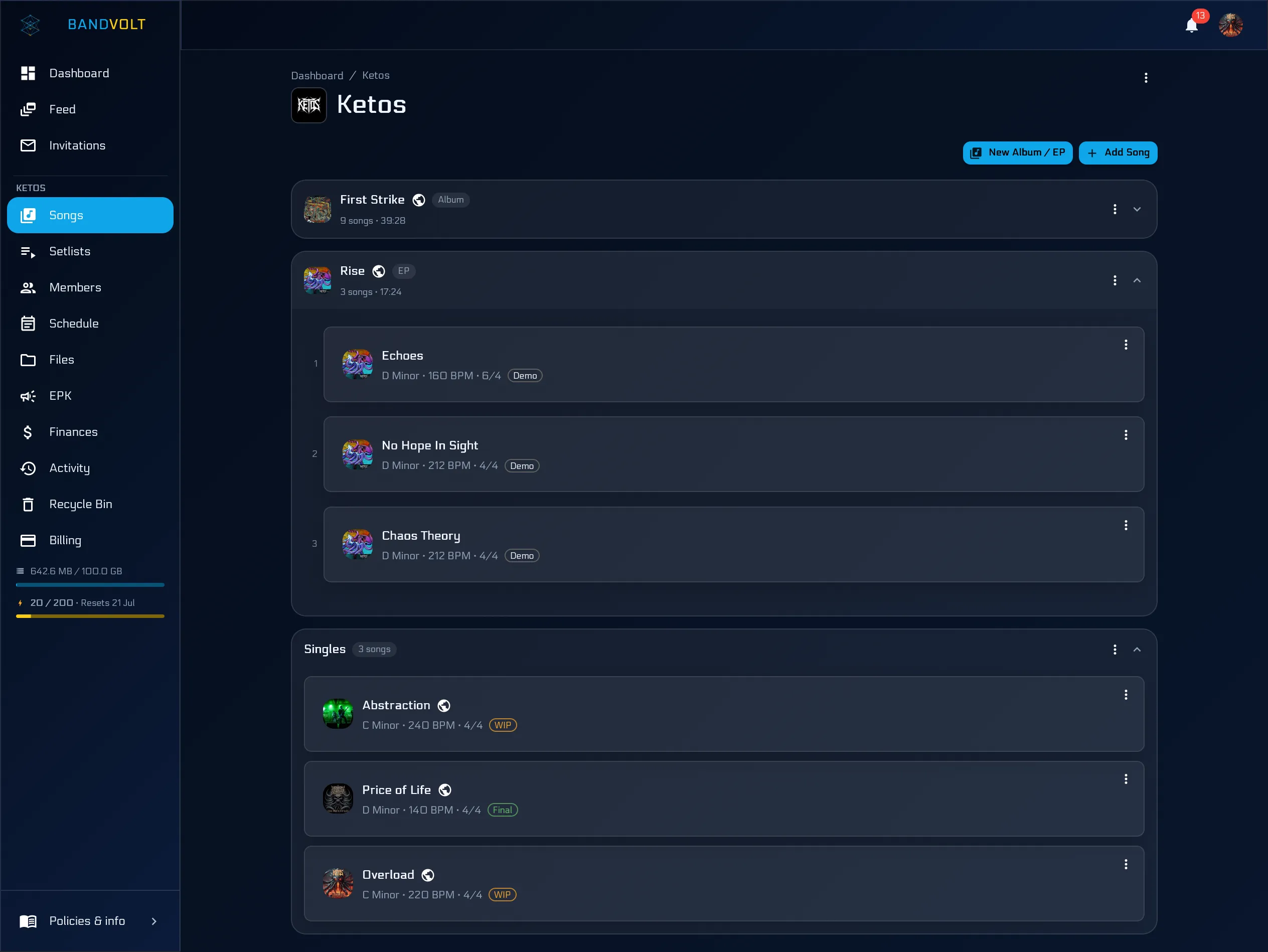
Ask five bands what they use and you get five different answers, most of which are “a group chat and whatever the drummer set up in 2022”.
This is not a ranked list of products, because the right answer genuinely depends on what your band does. It is a list of jobs, in the order they usually start to hurt, with an honest note on what each job needs and where bands tend to overspend or under-solve.
1. Making the music
What you need: a DAW, and somebody who knows it.
There is no shortage of good options, from full-price industry standards to genuinely capable free and low-cost ones. The only advice worth giving is that this is not the decision to agonise over. The DAW you know beats the DAW that reviews better, and every mainstream option is more capable than most bands need.
Where bands overspend: plugins. The gap between a stock compressor and a boutique one is smaller than the gap between a good take and a bad one.
Where the DAW stops: the moment the bounce leaves the producer’s machine. Everything below this line is a different job, and asking a DAW to do it is a category error worth understanding.
2. Somewhere the band’s music lives
What you need: one place where every song’s current mix is obvious to everyone.
This is the job most bands solve worst. The default is a cloud drive plus a group chat, which fails in a specific way: a drive has no concept of a song, so Anthem_final_v2_ACTUAL.wav is just another file, and the chat where people discussed it scrolls away within days.
What the job actually requires:
- Every mix as a labelled, dated version of one song, in order
- Playback at full quality, not a compressed copy
- Stems kept on the song, beside its versions, not in a separate drive folder
- Access per person, not one shared login
Where bands under-solve: almost universally. A cloud drive is a filing cabinet, and a band’s music is not filing.
3. Getting feedback that goes somewhere
What you need: notes attached to moments in the audio, not to a chat timeline.
The symptom that you have not solved this is a mix taking six rounds instead of three. Notes given as “the bit after the second chorus” cost the person mixing real time to decode, and half of them are voice memos that have to be transcribed by ear.
The fix is timestamped comments against a specific version, with replies threaded and notes marked resolved once actioned. If you want the method rather than the tool, we wrote a full guide on how to give feedback on a mix.
Where bands under-solve: also almost universally, and it is the single biggest avoidable cost in getting a record finished.
4. Knowing what is happening and when
What you need: one shared calendar the whole band can see, with the gig’s paperwork attached to the gig.
A general calendar app does most of this. What it does not do is hold the setlist, the rider, and the load-in details on the event itself, which is why bands who use one still end up in an 11pm hunt for the tech rider.
Where bands overspend: project management tools. A band is not a software team, and a Kanban board for a five-piece playing pubs is ceremony you will abandon in a month.
Where bands under-solve: the “one” part. Two calendars is the same as none.
5. Playing the show
What you need: a setlist that reflects what you actually play, in a form that survives being changed.
The two specific requirements a generic list or streaming playlist cannot meet: it has to hold unreleased songs, and it has to point at the arrangement you play live rather than the album cut. Being able to re-cut the set and have everyone see the new one is what pays for itself the first time a support slot drops to twenty minutes. Playback mode puts key, BPM, and lyrics on screen while you rehearse it - worth having, though what you run on stage should never depend on a connection.
Where bands under-solve: the screenshot problem. A photo of a setlist in a chat thread is out of date the moment anything changes, and at least one member will be playing from the old one.
6. Getting the music out
What you need: a distributor to put releases on streaming services, and somewhere fans can buy directly if that matters to you.
This is a genuinely competitive market with several reputable options, and the differences worth caring about are the commercial ones - what they charge, what they keep, how they pay out, and how easy they are to leave. Read the terms rather than the marketing.
Where bands overspend: paid playlist pitching of dubious value. Be sceptical of anything that guarantees placements.
7. Getting booked
What you need: one link that answers “what do they sound like, can they play, how do I book them”.
That is an EPK, and there is no reason to pay for one - it is free on every BandVolt tier, and the guide to writing a good one is here. The part most bands get wrong is not the tooling; it is burying the music under four paragraphs of formation history.
Where bands under-solve: keeping it current. A press kit whose upcoming shows read “last year” is worse than no press kit.
8. The money
What you need: a shared record of income and expenses that everyone can see.
A spreadsheet works, right up until it lives on one person’s laptop and nobody else can check it - at which point the band’s finances depend on trust rather than transparency, and that is how quiet resentment starts. The options and the models for splitting are covered in splitting band income without the awkward meeting.
Where bands under-solve: recording expenses at all. The split is rarely the argument; the missing receipts are.
The pattern worth noticing
Read the list back and a shape appears. Jobs 1 and 6 are genuinely specialist and you should buy the best tool you can. Jobs 2, 3, 4, 5, 7, and 8 are all the same underlying problem wearing different clothes: the band needs a shared, current view of its own work.
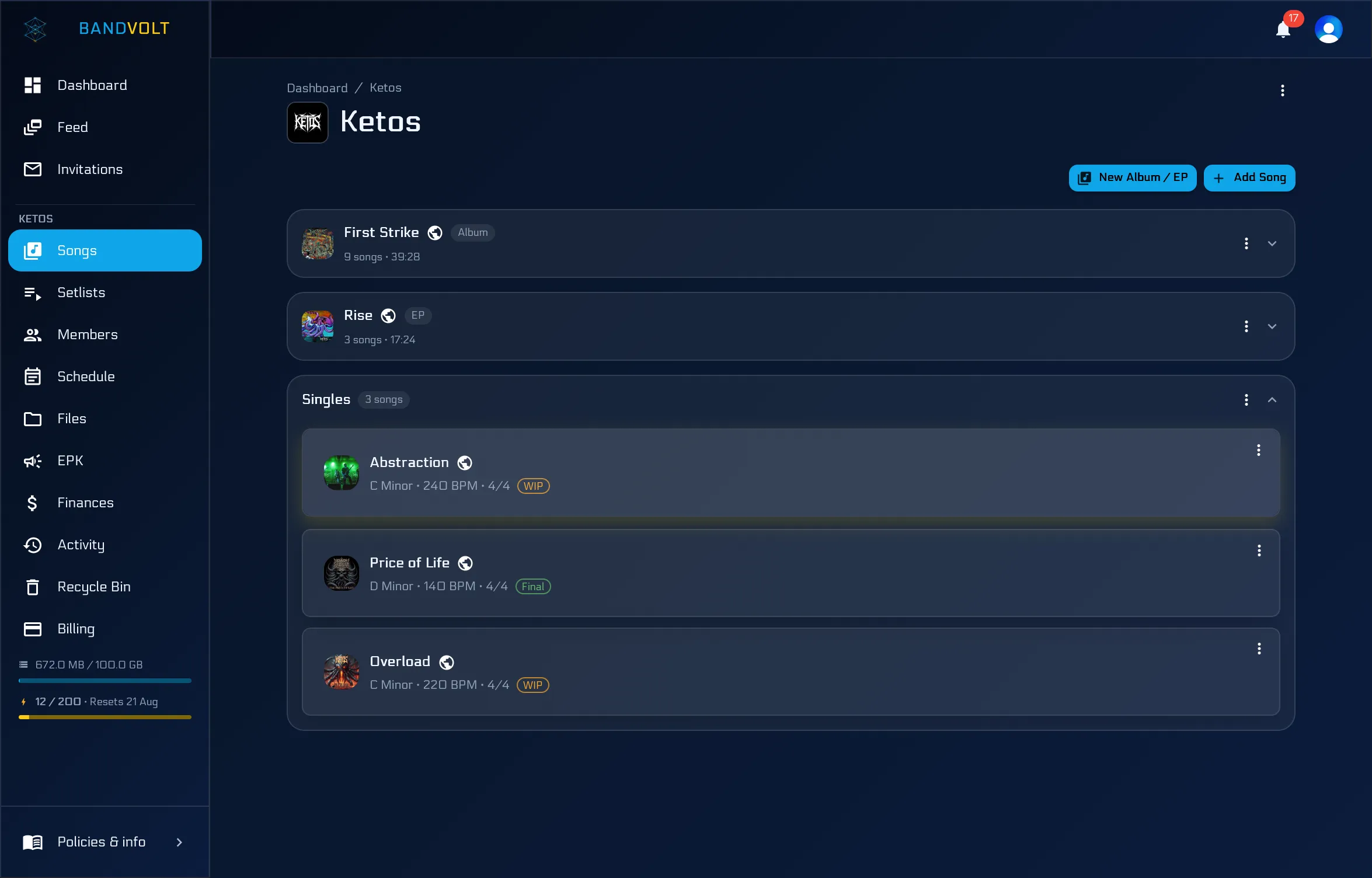
That is why solving them with six separate tools is so unsatisfying. Each one is fine in isolation and the coordination between them is a job nobody signed up for - re-typing the setlist, re-sending the link, reconciling the spreadsheet, explaining which mix is current. We put numbers on that in the hidden cost of stitched-together tools.
It is also, transparently, why BandVolt exists and covers jobs 2 through 5, 7, and 8 in one place. We are not neutral about that. But the honest framing is not “use ours instead of theirs” - it is that the middle of this list is where bands are improvising, and improvising there is what makes records take a year.
A minimum viable toolkit
If you want the short version, a band that plays out and records occasionally needs:
- A DAW for whoever produces
- A band workspace for versions, feedback, files, setlists, calendar, and money
- A distributor when there is something to release
- A group chat for everything else - and only for everything else
Four things. Most bands have eleven, and are still improvising the second one.
See what a band workspace covers, or start free - no credit card required.
Frequently asked questions
What software does an indie band need?
At minimum, something to record with, somewhere to keep songs and mixes that everyone can reach, a way to give feedback on those mixes, a shared calendar, a way to distribute releases, and somewhere the money is written down. Most bands have the first and the last two and improvise the middle out of a group chat.
How much should a band spend on software?
Less than most bands do. The common pattern is several overlapping subscriptions bought by different members that nobody has reviewed in a year. Work out what jobs actually need paying for, and check whether one tool covers several of them before adding another.
Do we need band management software?
You need the jobs it does - a current version of every mix, one shared calendar, feedback that does not scroll away, files that are findable, and money that is visible. You can do those with separate tools if you like, but the coordination between them is work somebody has to do every week.
What is the difference between band management software and a DAW?
A DAW makes the music and is used by whoever is producing. Band management software is used by the whole band and handles everything around the music - versions, decisions, schedules, files, and finances. They are complements, not alternatives.
Topics: tools for indie bands · band management software · band management app · music collaboration software