

Working with session players without fourteen emails
How public share links and external collaborators let you bring in session musicians, producers, and labels without giving them an account on the whole band.
By @KHeavy · Updated 26 October 2026
You hire a session sax player for one track. Now you need to send them the rough mix, the chord chart, the BPM, the key, and the bar where you want them to come in.
You email a Dropbox link. They reply asking which file is the latest. You re-export the mix because the last one was quiet. They reply asking what key. By the time they record, you have fourteen emails and a take that was played in the wrong section, against a bounce you replaced two days ago.
There is a better way, and it does not start by giving them a login to the whole band.
First, a link they can play
If all they need is to learn the song, send a public share link. They click once and land on the waveform. No signup, no app, no “which of these five files is current?”
The page can show the key, the BPM, the time signature, and the lyrics, because those live on the song rather than in the email you forgot to write. Put the chord chart on the song as a supporting file for the band. The share itself is the listen: artwork, waveform, metadata, lyrics. It is not a folder they can browse.
Choose the version on purpose. Follow the active mix if you want them on the latest bounce the moment you set it active. Pin a specific version if you have already moved on and you need them to play to the rough you approved. A session player learning last Tuesday’s file while you are mixing Wednesday’s is how the take comes back for a song you are no longer making.
Revoke the link when the session is over. Song links are on every tier, with up to three active on Basic and unlimited song links on Premium.
That is the whole job for a player who is learning a part and will send the WAV back by whatever means you already trust. A lot of sessions never need more than this.
When they need to put something back
A link cannot accept a file. If the sax take, the replacement vocal, or the mix notes have to land on the song, invite them.
External collaborators are a Premium feature. You invite them to one song, or to a whole album or EP, by username or email. They get their own account. They do not get the band. The calendar, the finances, the other songs, the rider folder: none of that is in their view. One album invite covers every track in the collection, including tracks you add later, so you are not re-inviting the same horn player ten times across an EP.
You pick a role, and you can change it later. The detail is in Contributor and Reviewer. The short version:
Contributor is the session player who is sending audio back, and the mix engineer who needs the stems. They can play and download, upload new versions, stems, and supporting files, set the active mix, and edit lyrics.
Reviewer is the person who should hear it and say something. They can play, run Quick Compare, and leave timestamped comments. They cannot download, upload, or see stems and supporting files.
A saxophonist recording a take is a Contributor. A friend whose only job is “tell me if the solo is too long” is a Reviewer. A label contact who should not walk off with the stems is a Reviewer, or just a share link if they do not need to comment at all.
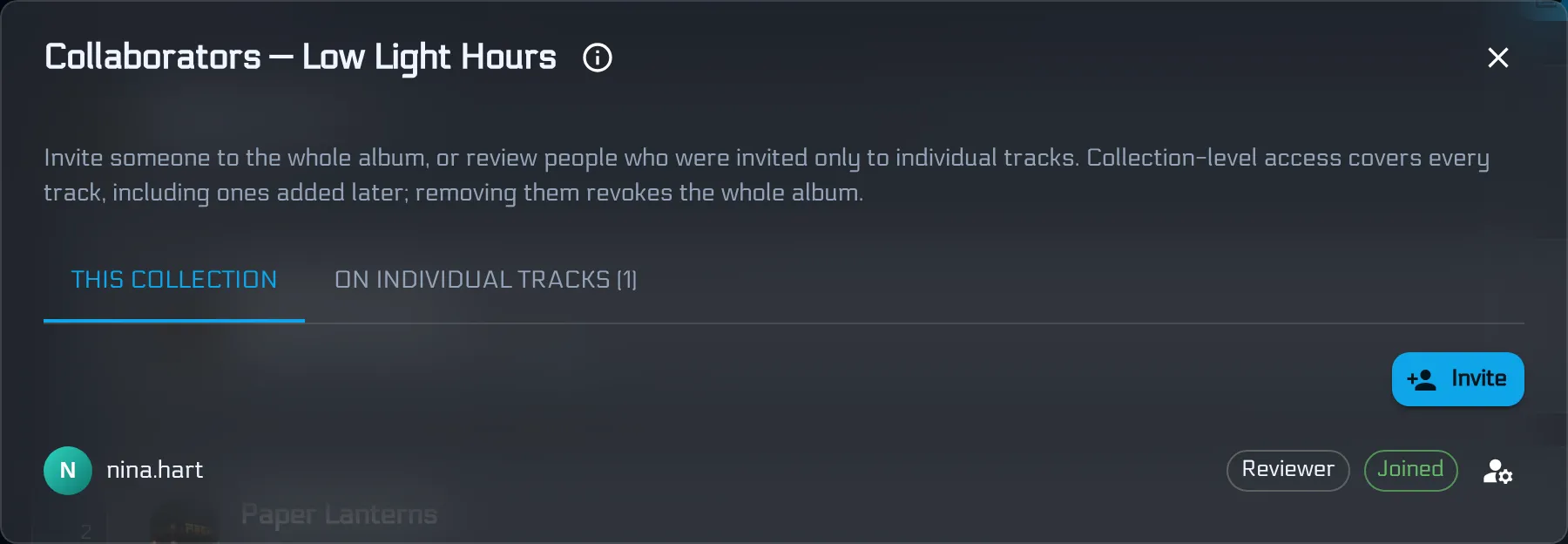
Neither role can manage the band, see songs you did not share, or invite someone else. Access stays on the song or the collection you chose. When the session is finished, revoke it. The takes they uploaded stay on the song. Their login to it does not.
Where the take actually goes
This is the part the email thread always loses.
A Contributor uploads the take as a new version of the same song, or as a stem, instead of attaching sax_FINAL2.wav to a reply. The band hears it on the song, next to the rough they played to. Comments go on the waveform at the bar, not in a paragraph that says “around the middle”. If the thread gets long, an AI Mix Summary will turn the unresolved notes into a punch list for 1 Volt. The versions stay in order, which is the whole point of mix version control.
Set the bounce they should play to as the active mix before they start, or pin their share link to that version if they are still on a public link. Tell them the section in a comment at that timestamp, so the instruction and the music are the same object. The BPM and the key are already on the song. You do not need a fourteenth email for either.
Slots, and who counts as a person
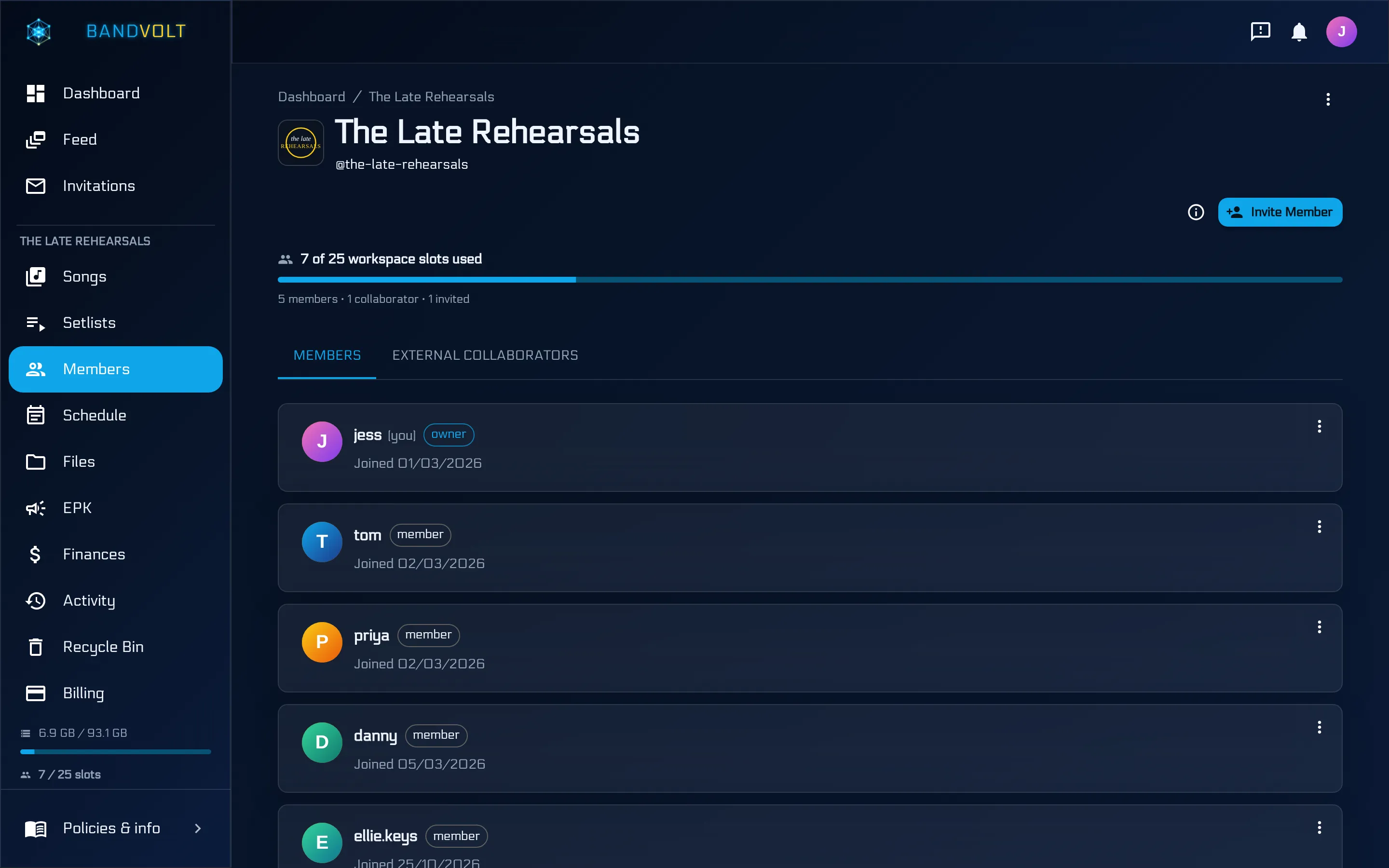
Every external collaborator uses one workspace slot, the same pool as band members. One person is one slot, however many songs they are invited to. Pending invites hold a slot until they are accepted or revoked.
Basic includes 10 slots, for members. Premium includes 25, shared across members and collaborators, which is why the invite exists on Premium and not as an unlimited guest list on the free tier. If the band is already near 25, packs of 10 slots are £2.49 a month. You do not need a pack for a single sax overdub unless the roster was already full.
Do not work around the slot by sharing one member’s password. A shared login is how a former player still has the files in June. Individual accounts, granted and revoked, are the version of this that still works after the lineup changes. Inviting the band itself - the people who are in it every week - is the other half of members. Both walkthroughs, the band invite and the guest invite, are on this page.
Producers, labels, and the friend who “knows someone”
The same split covers almost everyone outside the band.
A producer who is mixing in your workspace, on your songs, is a Contributor on those songs or on the album. A producer who finishes the record in their own workspace and then needs to hand it over is not a collaborator problem at all. That handoff is a content transfer: the song or the album moves to the band that should own it. Invite when they need access to work that is already yours. Transfer when the work needs to change hands.
A manager or an A&R who should comment is a Reviewer. Someone who only needs to press play is a share link, on any tier, with no slot used and no account created on their side.
The walkthrough under this post is the collaborator half: inviting someone to a song or an album, and what each role can actually do.
Frequently asked questions
Can a session player hear a song without joining the band?
Yes. Send a public share link. They stream the song in the browser with no account, and they only see that page: artwork, waveform, and whatever key, BPM, and lyrics are on the song.
When do I invite them instead of sending a link?
When they need to do more than listen. Uploading a take, downloading stems, or leaving timestamped notes needs an external collaborator invite, which is a Premium feature. A share link cannot accept a file back.
Should a session musician be a Contributor or a Reviewer?
Contributor, if they are sending audio back. They can upload and download mixes, stems, and files, and set the active mix. Reviewer is for someone who should stream, compare versions, and comment, without downloads.
Does a session player see the rest of the band's workspace?
No. An external collaborator is invited to one song or one album or EP. They do not see your other songs, the calendar, the finances, or the files you did not share. You can revoke the invite at any time.
Does inviting a session player use up a member slot?
Yes. Each external collaborator uses one workspace slot on the Premium band, the same pool as members. One person uses one slot no matter how many songs they are on. Basic includes 10 slots for members. Premium includes 25 across members and collaborators.
Topics: session players · remote collaboration · external collaborators